Super Agents: Ask, Approve, Undo
Six named agents, each with its own playbooks. Ask one in your AI app, approve the plan in Protuno, and undo a fix from its report.
On this page
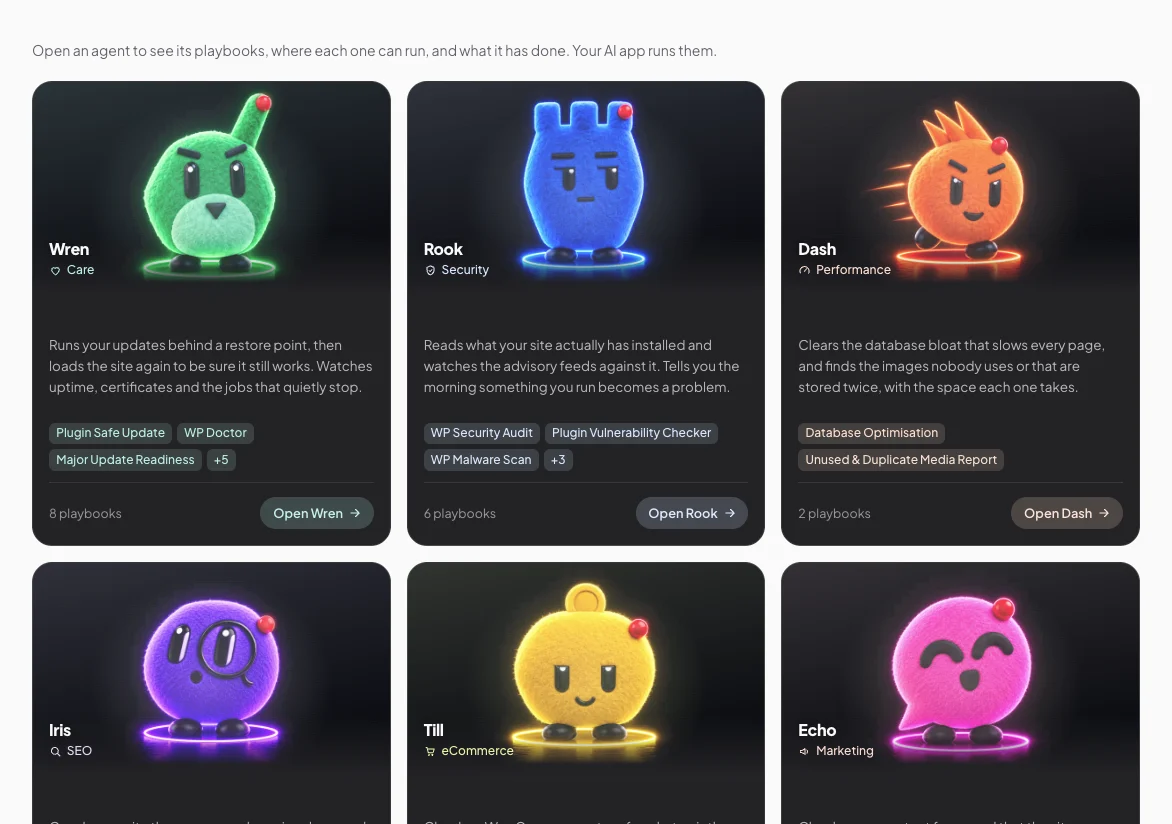
A Super Agent is a named agent that looks after one kind of WordPress work and owns its playbooks. There are six:
- Wren, Care. 8 playbooks.
- Rook, Security. 6 playbooks.
- Dash, Performance. 2 playbooks.
- Iris, SEO. 5 playbooks.
- Till, eCommerce. 1 playbook.
- Echo, Marketing. 5 playbooks.
How a job runs
- You ask in your AI app, for example “Dash, clean up the database on my shop”.
- Protuno picks the agent and returns its playbooks, the site’s saved rules and anything that blocks changes.
- Your AI app proposes a plan. Each site is marked “will run” or “skipped”, with the reason.
- The plan appears as a card in Protuno, and only you can approve it, by pressing Approve. Your AI app cannot approve for you.
- The steps run one at a time. A step that changes the site waits for Approve this change on the job card, unless the agent is at Auto.
- The run and its report land in Activity, and the job shows under Recent jobs on the agent’s page.
Trust level, per agent and per site
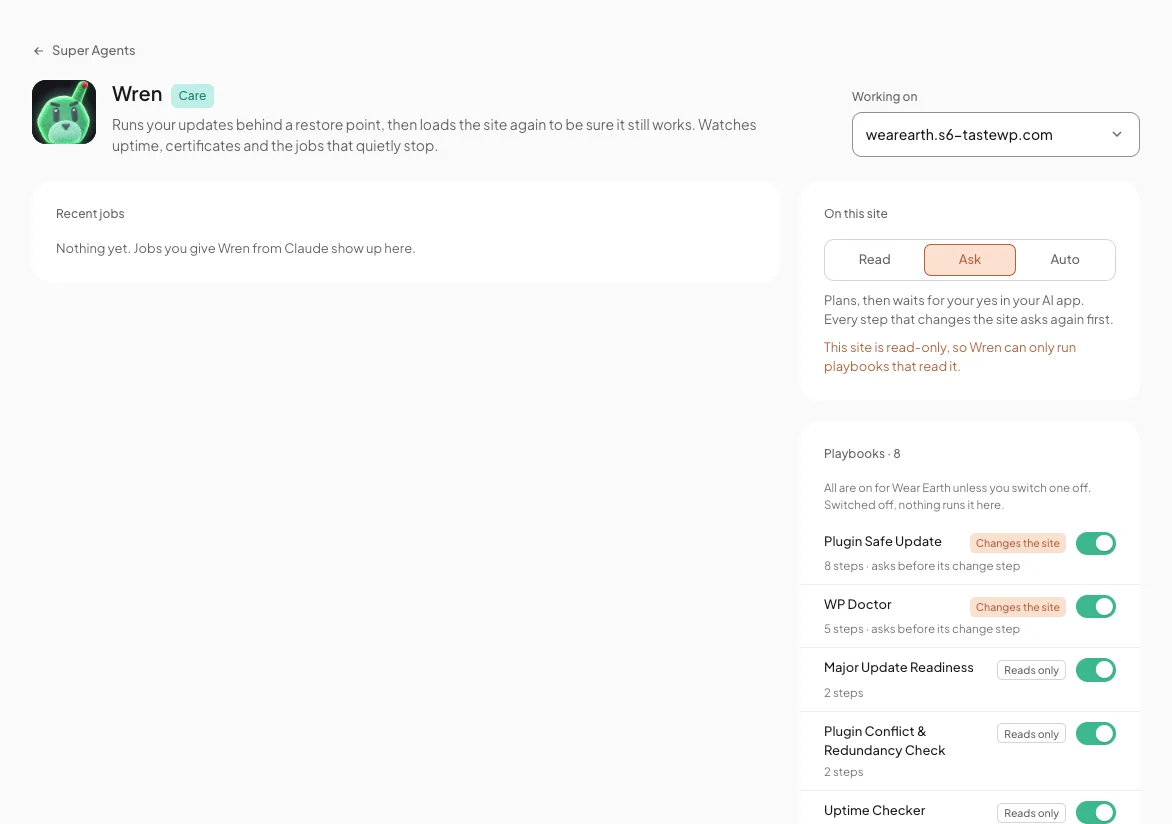
Each agent has its own page. Pick a site under Working on, then set the level under On this site:
- Read. Looks, never touches. Runs only playbooks that read the site.
- Ask. Plans, then waits for your yes. Every step that changes the site asks again first.
- Auto. After you approve the plan, it runs without stopping to ask. Playbooks that need a backup make one as their first step.
New agents start at Ask. On a site in Read only, an agent can only run playbooks that read it, whatever its level.
Playbook switches
On the agent’s page, every playbook is on for the site you picked unless you switch it off. Switched off, nothing runs it there.
Several sites in one job
A job across several sites runs one site at a time. A failure on one does not stop the rest, and you get one combined report. One job works on a site at a time; others wait their turn.
Fixes and Undo
Protuno takes a backup before every fix, on every plan, and a fix can be undone from the run report. The next scan decides whether a finding is closed.
Comments