MCP Connectors And Abilities
Protuno reaches your site through an MCP connector. Which one you run, and what you switch on with it, decides what an agent can do.
On this page
The Protuno plugin gives an agent nothing on its own. Every ability comes from an MCP connector: a separate plugin that runs an MCP server on your site and registers what an agent may call.
Abilities are the individual things an agent can do. Read a post, run an update, check an order. The connector decides which exist, and the plugin shows you which connector is serving before anything is granted.
Protuno works with three connectors. It only ever installs one of them.
Supported connectors
| Connector | Made by | How Protuno treats it |
|---|---|---|
| Agent Connector for WP | Soflyy. Free and open source. | Recommended, and the only connector Protuno installs for you. Needs WordPress 7.0 and PHP 8.1. |
| Angie | Elementor | Used when it is running an MCP server. You install and update it yourself. |
| Novamira | Dynamic.ooo | Used when it is running an MCP server. You install and update it yourself. |
A site that already runs one of these is never offered an install. Protuno uses what is there.
Installed, but not serving
A connector can be active in your Plugins list and still run no MCP server. Some builds of Angie do this. It is switched on, but there is nothing for an agent to connect to.
When that happens, step two names the plugin and says it is active but not running an MCP server. It then offers Agent Connector, because an agent needs a server to talk to and there is not one yet.
Agent Connector for WP
This is the connector Protuno installs when a site has none. The card on step two lists what it does:
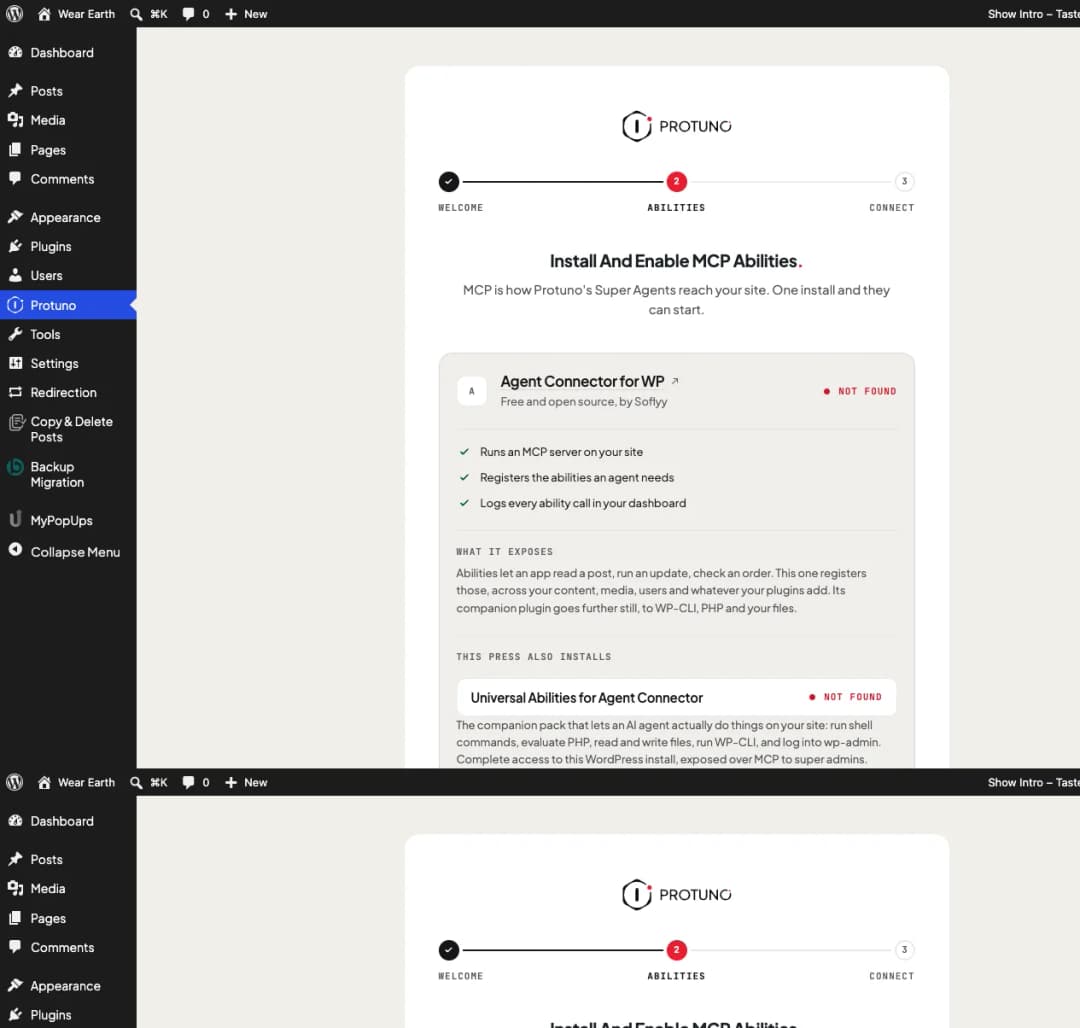
- Runs an MCP server on your site.
- Registers the abilities an agent needs, across your content, media, users and whatever your other plugins add.
- Logs every ability call in your dashboard.
It downloads from Soflyy’s own release page. The plugin only accepts downloads from a short list of known addresses over HTTPS, and refuses anything else.
Universal Abilities
Universal Abilities is Agent Connector’s companion pack. The same press that installs Agent Connector installs it too, unless your site has turned that off.
It gives an agent complete access to the install. With it on, an agent can run shell commands, evaluate PHP, read and write files, run WP-CLI and sign in to wp-admin. It is exposed over MCP to super admins.
That is what lets a Super Agent actually fix things rather than only report them. It is also the part to think about before you leave it on, and the reason we suggest doing the fixing on your staging site. The screen tells you before you press and again after.
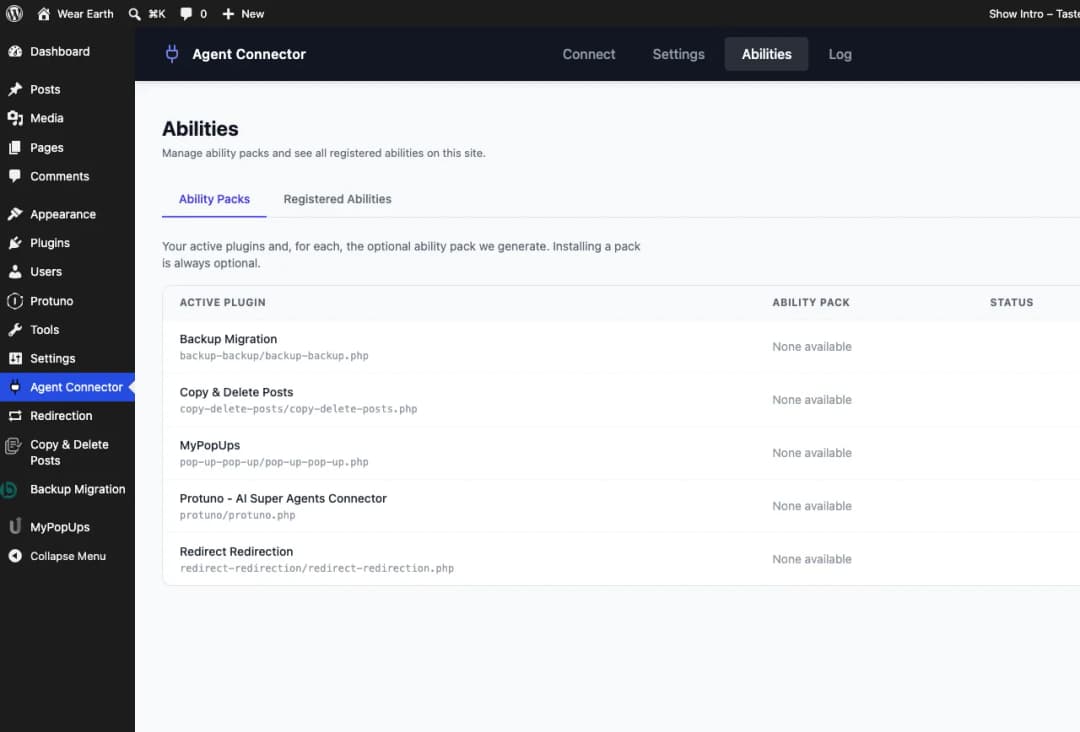
- Every call is logged in your Protuno dashboard.
- You can switch it off under Plugins at any time. Agent Connector keeps running without it, so your agents can still read the site but can no longer change it.
- You can switch it back on from step two, which shows Install Universal Abilities or Enable Universal Abilities when the pack is missing or off.
Universal Abilities works with Agent Connector only. It is listed under Agent Connector on step two while Agent Connector is the server Protuno uses.
Choosing between servers
A site can run more than one MCP server at once. Protuno uses exactly one.
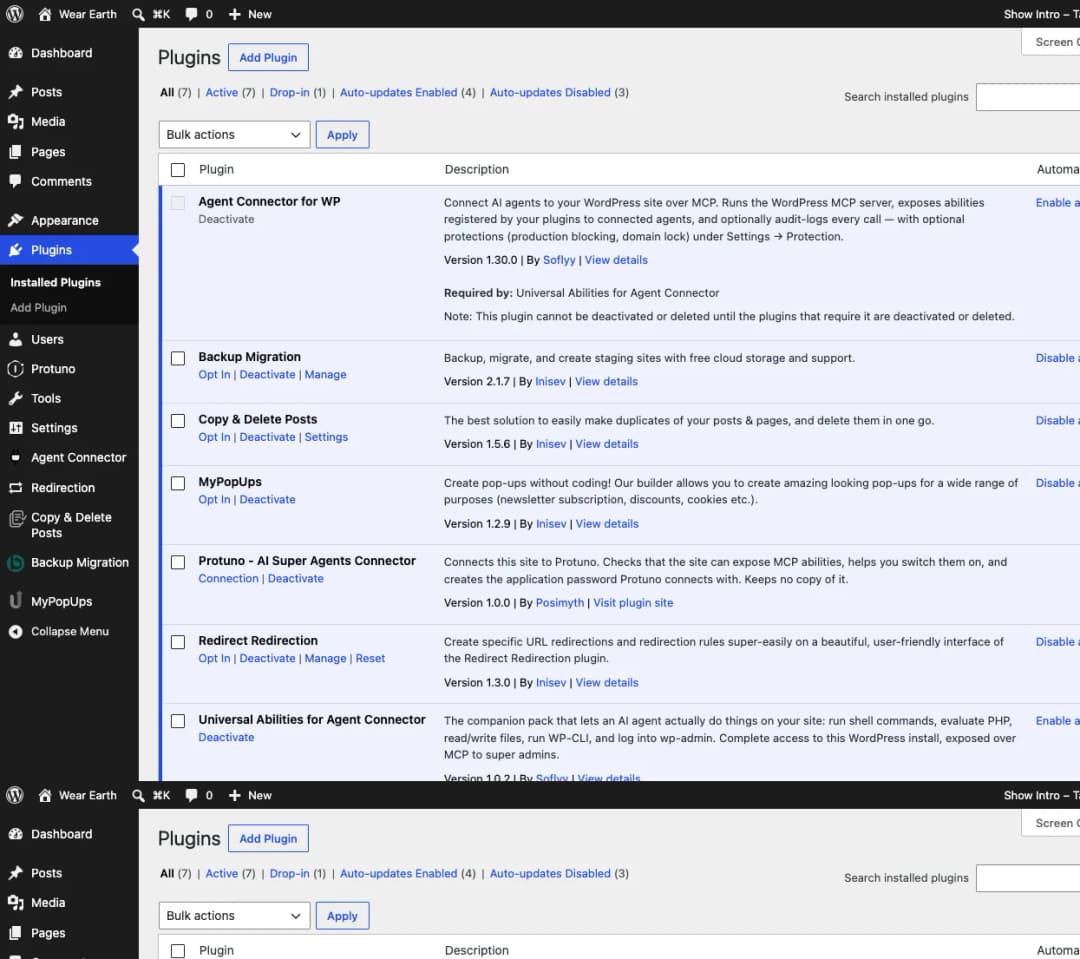
If there is only one, there is no question to answer. Pressing Continue records it as your choice, so the password stays limited to it even if you add a second connector later.
If there are several, step two says so and lists them under Providing abilities on this site. Enable the one Protuno should use. Enabling a different one turns the current one off, and Continue stays hidden until one is enabled.
Protuno cannot reach the others. Its password is refused on every MCP server except the one you chose. Your own logins and any other application passwords are not affected.
To change your choice later, open the Protuno screen, go back to step two and enable a different server.
When another MCP server is running
If your site runs an MCP server that is not one of the three above, step two says an MCP server is already running and that Protuno does not recognise it.
Nothing needs removing. Your site simply runs a connector Protuno has not been tested against, so it cannot connect through it yet. You have two ways forward:
- Switch to Agent Connector for WP, Angie or Novamira alongside it, and choose that one on step two.
- Or turn your current server off and let step two install Agent Connector.
Where to go next
- Install and Connect a Site, if you have not connected yet.
- Manage and Secure the Connection: how the password is limited to the server you chose.
Comments