WordPress Maintenance Plans: What The Contract Should Name.
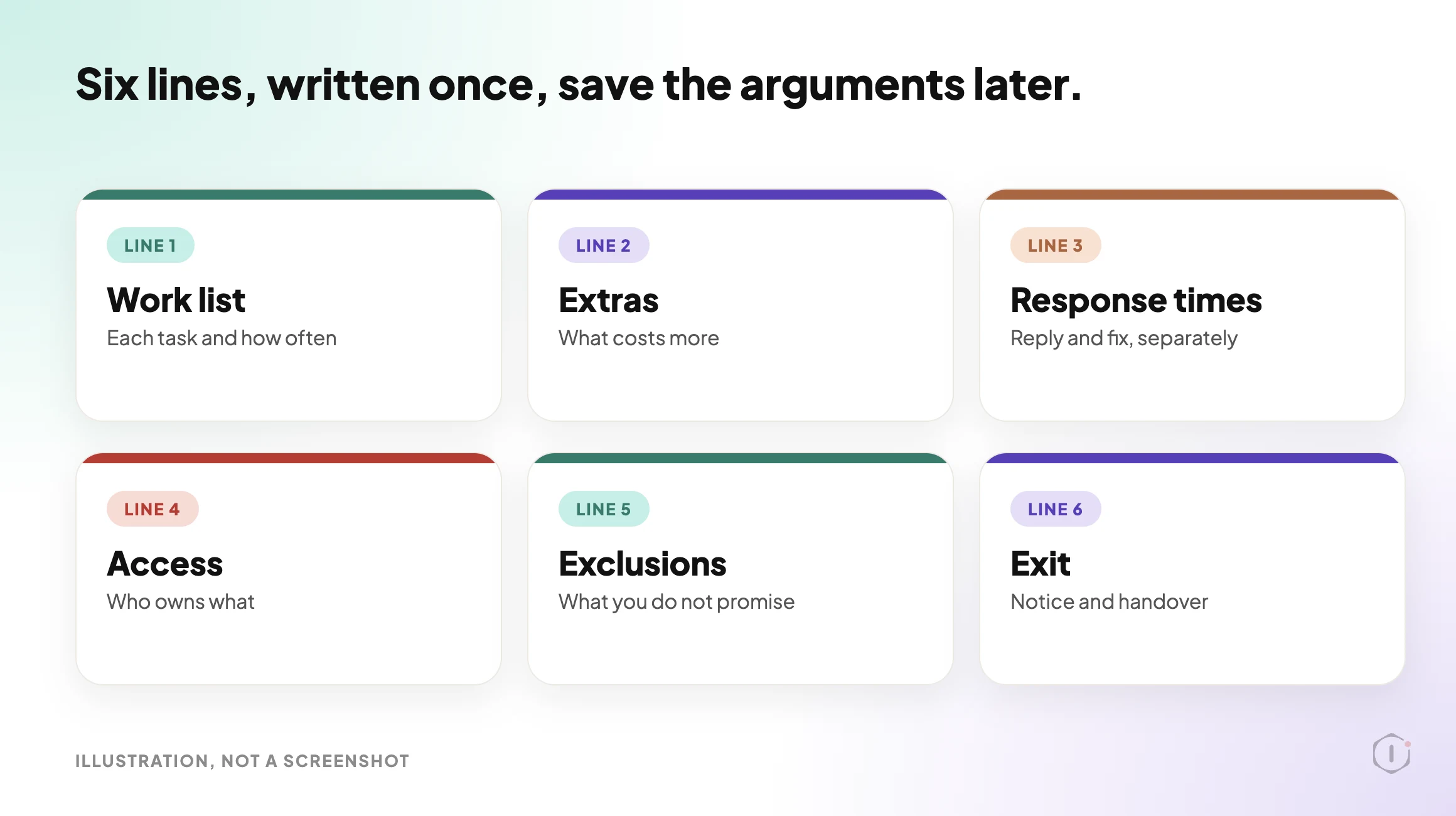
A WordPress maintenance contract should name six things: the work list, extras, response times, access, exclusions and exit. Here is what to write down.

Many maintenance plan arguments are not about price. They start with one sentence.
“Can you just fix this?”
The client believes the plan covers it. You believe it does not. Neither of you wrote down which one is true.
Short answer: A maintenance plan contract should name six things in plain words: the work list and how often each task runs, what counts as extra, how fast you respond and how fast you fix, who owns every account, what you do not promise, and how the plan ends. If a line is missing, the first disagreement will fill it in for you.
What this post is, and is not: A practical checklist for agencies and freelancers who sell or buy WordPress maintenance. It follows the problem from the contract side, not the price side. It is not legal advice, and a lawyer should review any contract before you use it. Nothing here is a result from a real client site.
A plan is a promise. The contract is where the promise gets a size.
Why A Plan Without A Contract Becomes An Argument
A plan often starts with a list of friendly words. Updates, backups, monitoring, support. Each word means something different to the person selling it and the person paying for it.
“Support” is the worst one. To a client it can mean anything that goes wrong. To an agency it means answering a question. The gap between those two meanings is where unpaid hours live.
We covered the money side of that gap in The Half Hour Nobody Bills. This post covers the paper side. If the paper is vague, no price is safe.
Six Lines The Contract Should Name
| Line | What to write | What goes wrong when it is blank |
|---|---|---|
| Work list | Each task, how often it runs, and who does it | The client assumes more is done than is done |
| Extras | What costs more and how it is quoted | Every request becomes a debate |
| Response times | When you reply, and when you aim to fix | A client waits a day and decides you ignored them |
| Access | Who owns hosting, domain, licences and logins | A handover turns into a hunt |
| Exclusions | What the plan does not promise | A normal failure looks like a broken promise |
| Exit | Notice period and what the client gets back | Cancelling becomes a conflict |
Each line gets its own section below.
The Same Promise, Vague And Named
The fastest way to see the difference is to write one promise twice.
| Vague | Named |
|---|---|
| Keep plugins up to date | Apply plugin updates weekly, on a copy first, and list what changed in the monthly note |
| Daily backups | A backup every day, stored off the server, kept for a stated period, with a restore test on a stated schedule |
| Fast support | A reply within the stated hours, and a separate fix target that depends on the cause |
| Security included | Named checks run on a schedule, with the results shared. No promise that a site can never be breached |
| Small changes included | Text and image swaps on existing pages are covered. New pages and features are quoted |
The named version is longer. It is also the only one a client and an agency can both point at later and agree on.
The Work List: Name Each Task And How Often
Write tasks as verbs with a rhythm. “Apply plugin updates weekly” is a line. “Keep the site up to date” is a wish.
A work list for a plan usually has four groups:
- Updates. Core, plugins and themes. Say when they run and whether they run on a copy first. Our write-up of the update process, written out before it runs shows the kind of fixed order worth naming.
- Backups. Say where they are stored, how long they are kept, and whether a restore is ever tested. A file with a hopeful name is not a backup, as we found in verifying a WordPress backup.
- Monitoring. Say what is watched and who is told. A 200 status code is not the same as a working site, which is the point of WordPress uptime monitoring.
- Reporting. Say what the client receives and when. What goes into a client report is a decision, not a data dump.
Where The Plan Ends: Name What Costs Extra
Every plan has an edge. Decide where it is before a client finds it for you.
Common items that sit on the edge:
- Cleaning up after a hack that happened before the plan started.
- Restoring a site after a client edit went wrong.
- Fixing a conflict caused by a plugin the client installed.
- New pages, new features and content changes.
- Moving the site to a new host.
You do not have to charge for all of them. You do have to say which ones you do and which ones you quote. A short line such as “Work outside the list above is quoted before it starts” removes most of the surprise.
Response Times: Acknowledge Is Not Fix
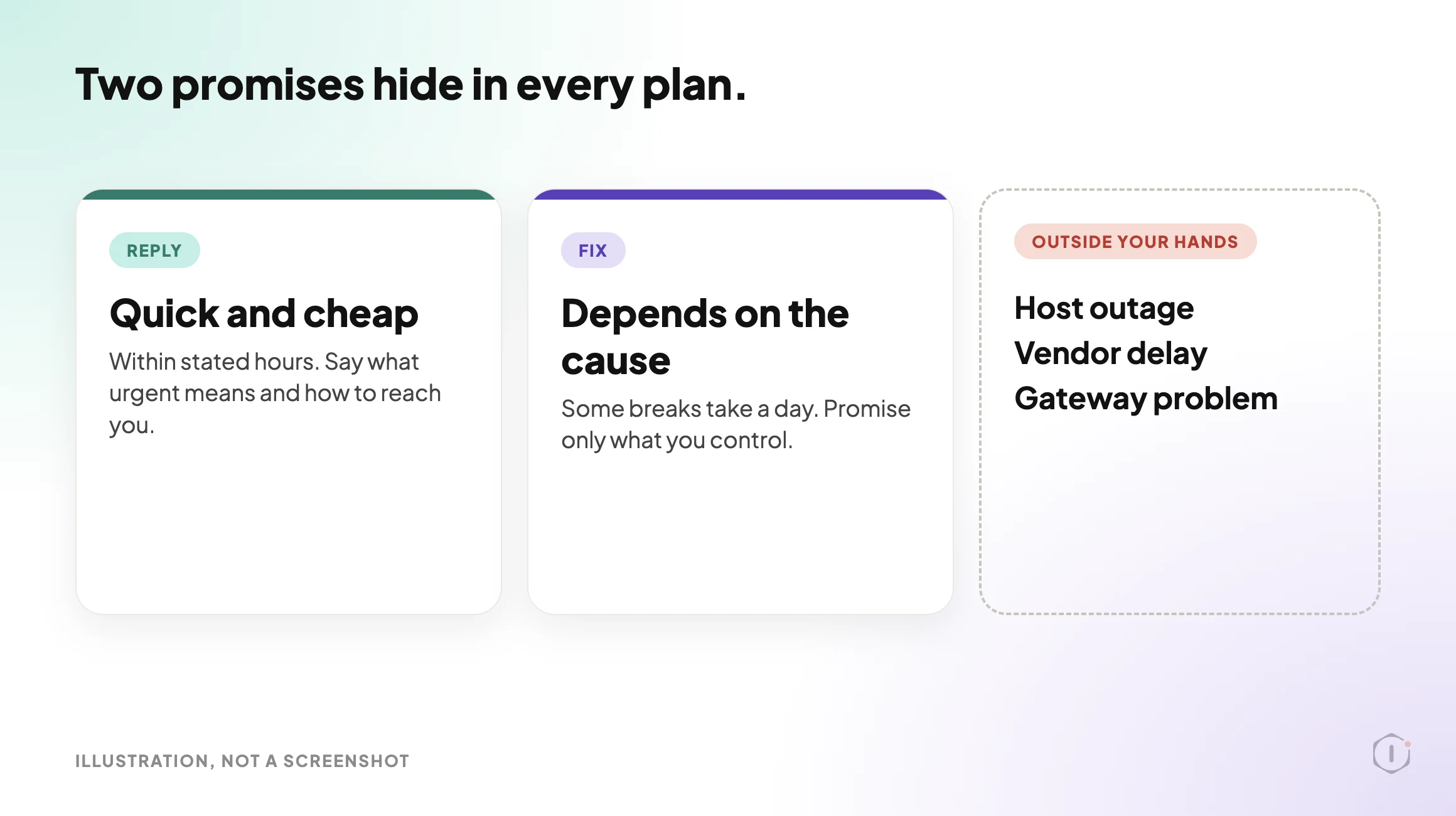
Two numbers hide inside every plan. How fast will you reply, and how fast will you fix?
They are different promises. A reply can be quick and cheap. A fix depends on what broke, and some breaks take a day.
Name both, and name the hours they apply to. Say what “urgent” means, for example a checkout that does not complete, and how a client reaches you for it. Do not promise a fix time you cannot control. A host outage, a plugin vendor delay or a payment gateway problem sits outside your hands.
Access And Who Owns What
Most handover pain starts with ownership. Write down who holds each of these:
- The domain registration and its renewal.
- The hosting account.
- Premium plugin and theme licences, and who pays to renew them.
- The administrator accounts on the site. Give every person their own login and keep the number of Administrators small.
- Third-party accounts such as email, analytics and payment gateways.
The safest default is that the client owns the accounts and you are given access. A plan that depends on your own personal licence for a client’s key plugin will break the day you stop working together.
Licences are an easy cost to leave unwritten. One r/Wordpress thread, “How much do you charge for Monthly Maintenance?”, starts from a freelancer who plans to include a page builder licence and hosting in the plan. That is exactly the kind of cost that has to be written down.
“I plan on charging maintenance for client sites which includes my page builder license, hosting, as well as the typical maintenance tasks.”
r/Wordpress, “How much do you charge for Monthly Maintenance?”, August 2024
Software versions belong here too. WordPress 7.0 dropped support for PHP 7.2 and 7.3, so the server version is part of the plan, not a side detail. Name who is responsible for it, and see the WordPress PHP version problem for why it matters for security fixes.
A free “Essentials” maintenance plan template for web designers, freelancers and small agencies, shared with the WPTuts community.
WPTuts, “New Free Essentials Website Maintenance Plan Template” on YouTube, 24 Jul 2026
How The Plan Ends
Contracts are often written as if the plan will last forever. Write the ending too.
- Notice. How much notice either side gives, and when the final charge lands.
- Handover. What the client gets on exit: credentials, the latest backup, and a short list of what was done.
- Cleanup. Which of your tools and accounts are removed from the site, and when.
A clean exit protects the relationship more than a clean start does. Clients remember how it ended.
What A Contract Does Not Solve
A contract is a document. It does not do the work and it does not change how people behave.
- It does not keep the site healthy. A signed plan with unverified backups is still a risk.
- It does not replace a conversation. Send a short summary in plain words as well as the contract itself.
- It does not cover what you cannot control. Host outages, vendor delays and client decisions sit outside the list.
- It is not legal advice. Liability, data protection and jurisdiction vary. Have a lawyer review the final wording.
- It does not set the price. That is a separate question, covered in the cost of a maintenance plan.
A plan that promises everything is easy to sell and hard to keep. Say what you cover, and say what you do not.
A One-Page Check You Can Run This Week
Pick three of your current plans and ask these questions of each contract:
- Is every task named with how often it runs?
- Is there a line that says what costs extra?
- Are reply time and fix time written separately?
- Does the client own the domain, hosting and licences?
- Is there a line for what the plan does not promise?
- Is there a notice period and a handover list?
Then choose one outcome per plan:
- Keep it as written.
- Add the missing lines and send it for agreement.
- Replace it with a clearer one-page version.
- Split it into two tiers with clear edges.
- Retire it, if it cannot be written down honestly.
If a plan fails three or more questions, fix that one first.
Sources And Further Reading
- Updating WordPress: the official guide to core updates.
- WordPress Backups: what a backup should include, from the official documentation.
- Dropping support for PHP 7.2 and 7.3: the WordPress core announcement behind the PHP point above.
- The video and the r/Wordpress thread in this post: a short look at what a maintenance plan template covers, and a freelancer’s question about what to bundle into a plan.
The Point
A maintenance plan is a short list of promises with a size on each one.
You do not need a long contract. You need a clear one.
Which line is missing from the plan you sold last?
Comments